Moving from ChatGPT to Claude? Just Starting Out with Claude and Feeling Overwhelmed?
The replay is ready. Access everything from the free 90-minute ChatGPT to Claude Migration workshop — on your own terms.
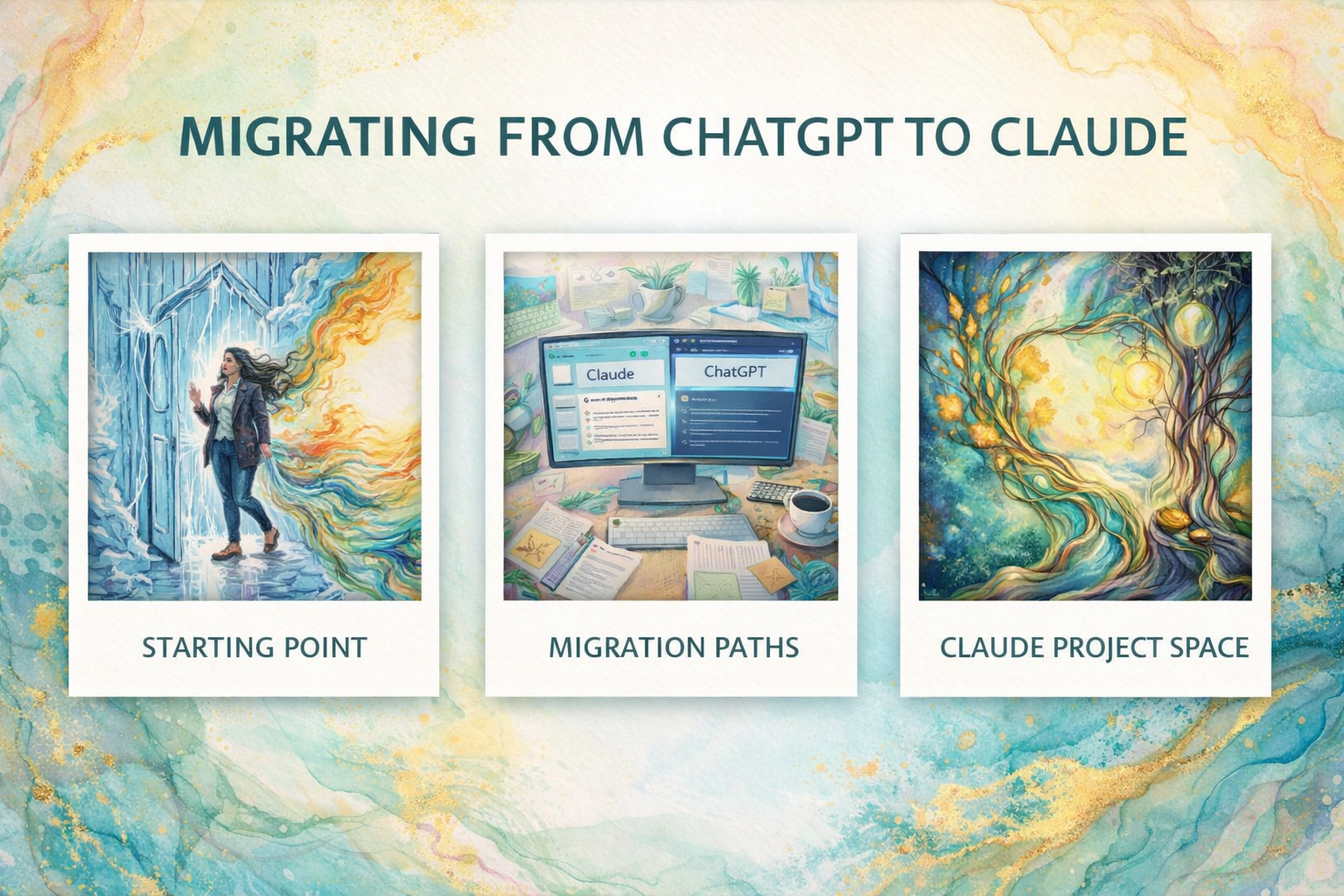
No judgment. No virtue signaling. Just practical and critical AI engagement for your work.

WHY THIS WORKSHOP IS DIFFERENT
This Isn't Your Typical AI Setup Tutorial
A lot of people are rethinking their relationship with OpenAI right now. Maybe it's the Pentagon partnership. Maybe it's the data practices. Maybe it's just a gut feeling that it's time to move.
Whatever your reason, it's valid. And you don't need to justify it to anyone.
But most "how to use Claude" content out there is surface level. Sign up, start chatting, figure it out. That's not sustainable. You end up with the same frustrations you had before, just on a different platform.
This workshop is different because I'm not just showing you how to use Claude. I'm showing you how to set it up so it actually learns how you think, remembers your context, protects your data, and works with your materials. That's the difference between using a tool and owning a tool. And that's what makes this sustainable long term.
WHAT WE COVERED
In 90 minutes, Dr. Bhattacharya walked participants through:
- Setting Up Claude — From account creation to getting your workspace ready. No prior experience needed.
- Protecting Your Privacy — Where the settings are, what to turn off, what to leave on, and why it matters.
- Understanding Projects and Memory — How Claude's project spaces and memory work, what they do differently than ChatGPT, and how to use them so Claude remembers your context and doesn't start from zero every time.
- Creating Skills Files — How to teach Claude your preferences, your workflow, and your way of thinking so it shows up the way you need it to. Every time.
- Working with Projects — How to build a project space, write project instructions, upload your knowledge base, and have Claude work with your actual materials.
- Transferring Your Personal Custom GPTs — If you built Custom GPTs for your own use — your workflow, your research, your business — I'll show you how to bring them into Claude's project spaces. In many cases, they'll actually work better because of Claude's larger context window and more accurate document retrieval.
What About Public-Facing Custom GPTs? If you have Custom GPTs that other people use — lead magnets, client tools, course companions, interactive resources — I'm building a solution for that. In an upcoming session, I'll walk you through how to host those outside of OpenAI entirely using an interactive artifact you own. More details coming soon.
BONUS: Stay till the end and I'll share my prompting techniques from my prompt engineering certification — the strategies that actually get accurate, useful responses instead of generic AI fluff.
Access My Materials
What You Will be Walking Away With After 90 Minutes

After this workshop, you will have:
-
Claude set up, configured, and ready to use with your privacy settings locked down
-
A clear understanding of how projects and memory work so Claude retains your context across conversations
-
A skills file that teaches Claude your preferences, your workflow, and your way of thinking
-
A functional project space with your own materials loaded and ready to go
-
Migration of Custom GPTs
-
Confidence to engage with Claude without feeling lost or overwhelmed
-
A handout you can reference anytime you need a refresher
-
A clear picture of what's coming for public-facing Custom GPTs
-
An invitation to join the AI Consortium for ongoing community and support
BONUS: Prompting techniques from my prompt engineering certification to get accurate, useful responses instead of generic AI fluff
💙
Who is This For?

This Workshop Is For You If...
- You want to leave ChatGPT but don't know where to start
- You're brand new to Claude and need someone to walk you through setup
- You're brand new to AI entirely and want to start with Claude
- You've been putting off the switch because it feels overwhelming
- You're not super technical and need a human guiding you, not a YouTube video
- You've built Custom GPTs for personal use and need to know how to bring them over
- You have public-facing Custom GPTs and want to know what's coming for those
- You just want to make the move with someone in the room with you
This is NOT for you if:
You're looking for AI hacks and shortcuts
You want to use AI to bypass your own thinking
You're comfortable with surface-level setup and don't need depth
You don't need to be an AI expert. You don't need to be technical. You just need to show up.
Give 'Em Something to Talk About: Testimonials
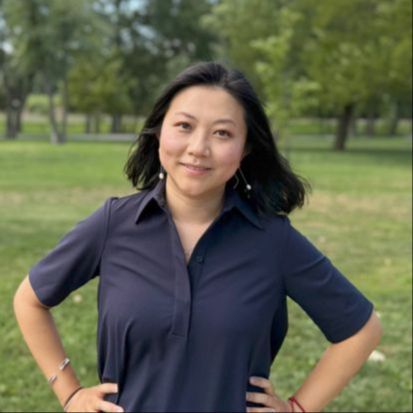
Dr. Tairan Qiu
Assistant Professor
Stanford University
CTE: Literacy, Language, and English Education
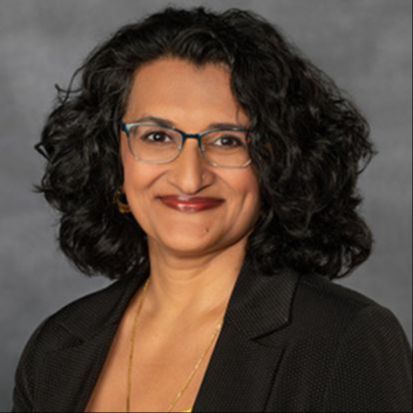
Dr. Archana Pathak
Assistant Vice Provost of Faculty Affairs at Virginia Commonwealth University
Associate Professor of Gender, Sexuality and Women’s Studies and
Virginia Commonwealth University
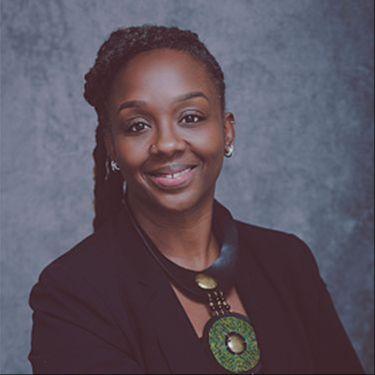
Dr. Tracie Rogers
Lecturer
University of the West Indies, Jamaica
Coordinator of the Graduate Social Work Programme
Department of Sociology, Psychology, and Social Work
Meet Your Instructor
Dr. Kakali Bhattacharya
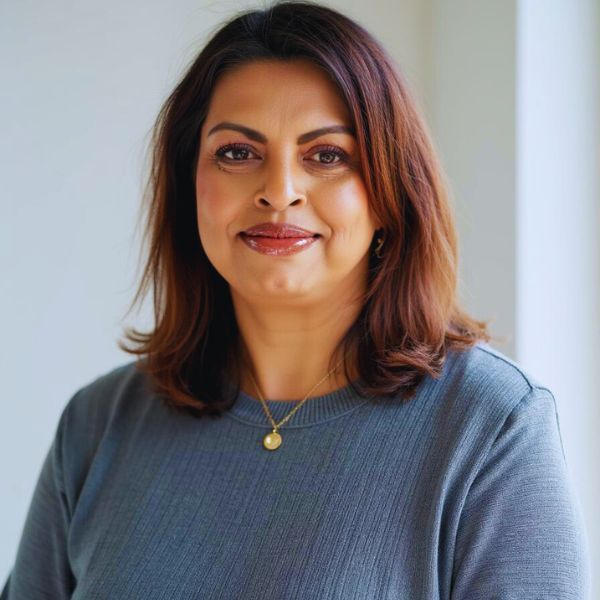
I'm Dr. Kakali Bhattacharya
I bring 20+ years of criticality, ethics, and trauma-informed approaches to AI exploration. Trained in instructional design and technology, I bring unpretentious ways of discussing technology integration without sacrificing your soul or agency. I am excellent at breaking complex ideas into actionable pieces without making it seem intimidating.
I am an award-winning professor with 100+ publications who understands the unique challenges people face when integrating new technologies.
Why Learn AI From Me
I battled with AI for years to learn how to create responsive, ethical, trauma-informed, accurate AI responses.
I created a prompting framework to get accurate responses from AI instead of a sycophantic hype bot.
I use AI with the same criticality and ethicality I use in my own professional work. Using AI has not erased my ethical and critical orientation.
I have been using AI in my personal and professional work, especially being sensitive to trauma, stress, and overwhelm that comes with navigating new technology.
I also teach adaptive ways to set up AI for neurodivergent users so the tools work with your preferences without fighting with them constantly and feeling the friction of lack of belongingness.
I want to empower more women and people from underrepresented communities to be in tech, to counter the existing sterile, tech-bro practices and narratives that dominate this space. The more of us who show up with our full selves and our values intact, the more this space changes.
I am committed to agency over extraction in all technological engagement.
My Approach: "I'm not here to make you an AI enthusiast. I'm here to give you independent choice over how you engage with these tools. No hype. No shame. Just clear understanding for YOUR journey."
This workshop emerges from the intersection of critical wisdom and technological evolution, designed for anyone ready to engage with integrity.
Frequently Asked Questions
You have questions? We have answers. Check out the questions below and if you're still sitting with more questions, do not suffer. Email Dr. Bhattacharya at [email protected]
I'm worried about being judged for using AI in my academic work. Is this really a safe space?
Can I share this workshop info with a friend?
Will this work for my specific discipline/field?
Is this about replacing human thinking with AI?
What's the difference between this and free YouTube tutorials?
Have you scrolled all the way to here?
We admire your need to know everything. No shade, just recognizing how we are so alike.
Ready to stop overthinking the switch?
The AI landscape is shifting whether we engage or not. You can either:
- Keep putting off the move and hope ChatGPT's direction doesn't get worse
- Try to figure out Claude on your own and give up after 20 minutes of confusion
- Stay stuck because nobody has walked you through it in a way that actually makes sense
- OR show up for 90 minutes and leave with Claude set up, your work migrated, and a clear path forward
This workshop is for people choosing that last option.

This workshop was initially offered live on March 8th. The replay remains a free hands-on workshop.
Still unsure? This isn't about becoming an AI enthusiast. It's about making the switch with support, clarity, and someone in the room with you. If you've read this far, you're ready.
Questions? Email [email protected]
Access My MaterialsThis workshop is free. If it's helpful, I'd love for you to share the AI Consortium with anyone who might benefit.
It's a community where people learn, build, and think together about ethical AI use. Join or share here: https://www.kakali.org/caic.
Access My Materials
Enter your name and email. You'll get a confirmation email first. Once you confirm, your materials will be sent right after.